

Start processing documents immediately — no time-consuming template configuration needed.
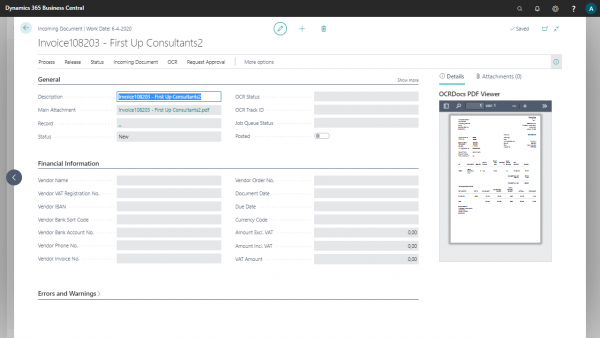
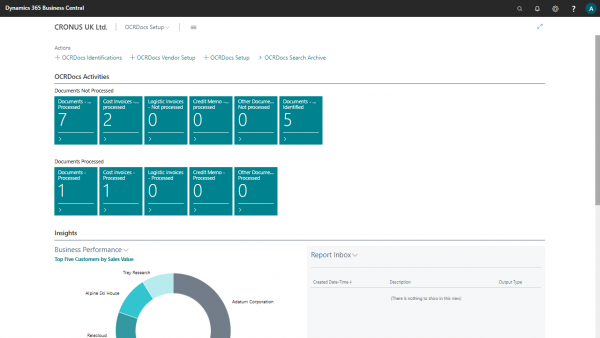
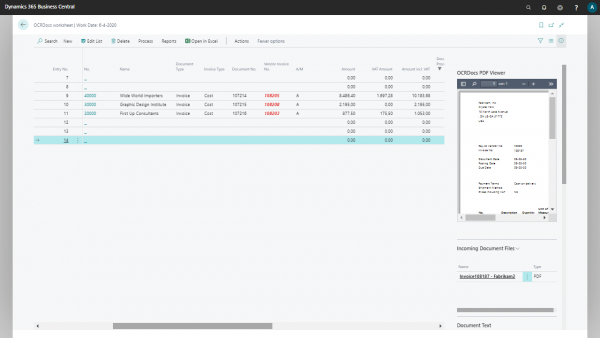
Send uploaded documents to the OCR service for automatic text and data extraction.
Invoices are recognized and processed automatically, eliminating manual data entry.
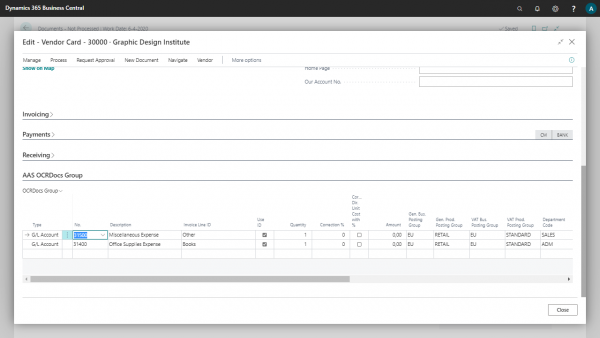
Create invoices based on pre-defined G/L accounts for consistent and accurate bookkeeping.
Automatically retrieve posted purchase receipts without manual searching or downloading.
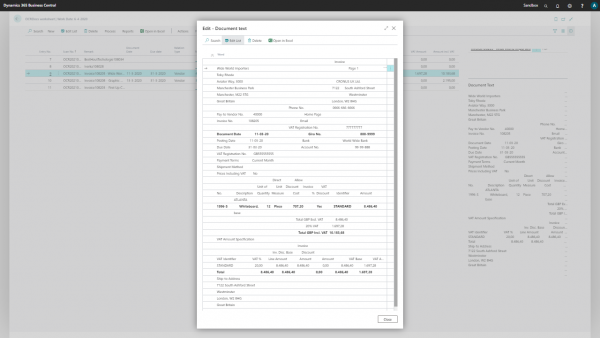
View PDF documents directly inside Microsoft Dynamics 365 Business Central without switching applications.
Free
pay per scan
No subscription — pay only for what you use
Pay per scan
no subscription required
Flexible pay-per-use for on-premise environments
Something not on this list? Mail info@q-team.nl and you get an answer within one business day.
| Deployment | Cloud (SaaS) + On-Premise |
| Pricing Model | Pay per scan |
| Supported Editions | Essentials, Premium |
| Supported Countries | All countries where BC is available |
| Supported Languages | English (US), Dutch (NL) |
| Auto Updates | Yes |
| Support | 24/7 online |
Install it yourself and read up in the docs, or let us walk you through it on your own environment.
Step by step setup, configuration and everything the app can do, per version.
Half an hour on your own Business Central environment, so you know whether it fits before you buy.

